More Control & Less Complexity with Connecter


Place It Once. Change It a Hundred Times.

Drop Assets Exactly Where You Want Them
See in real time the assets you drag into the viewport. Connecter automatically aligns them to surfaces and lets you rotate and position them freely or in precise increments – no import menus or extra steps.

Choose How Assets Work in Your Scene
Link assets when you want them connected to their source, or append them when you need a local copy. You decide how your scene works and how your assets stay connected.

Swap Assets Without Starting Over
Replace an object directly in your scene while keeping your existing layout intact. Update all linked instances at once, so you can try different assets without rebuilding your scene.

Apply Materials in a Click
Drop a material onto an object, choose which material to replace, and apply it to additional targets without digging through material menus or interrupting your workflow.

Build Your Library As You Create
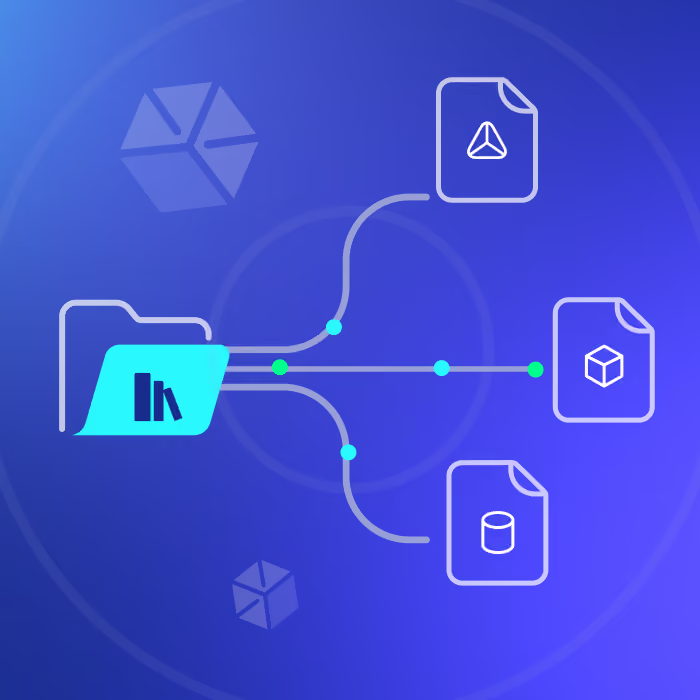
Don’t let great work get buried in old projects. Send the objects, collections, and materials you create straight to Connecter, with a custom-rendered preview, ready to find and reuse.
Make Your Work Reusable
Turn a collection, your current scene, or selected objects into reusable library assets with control over what you save.

Save Materials for Later
Save materials from your scene as individual assets or browsable galleries, complete with previews.

Give Every Asset a Useful Preview
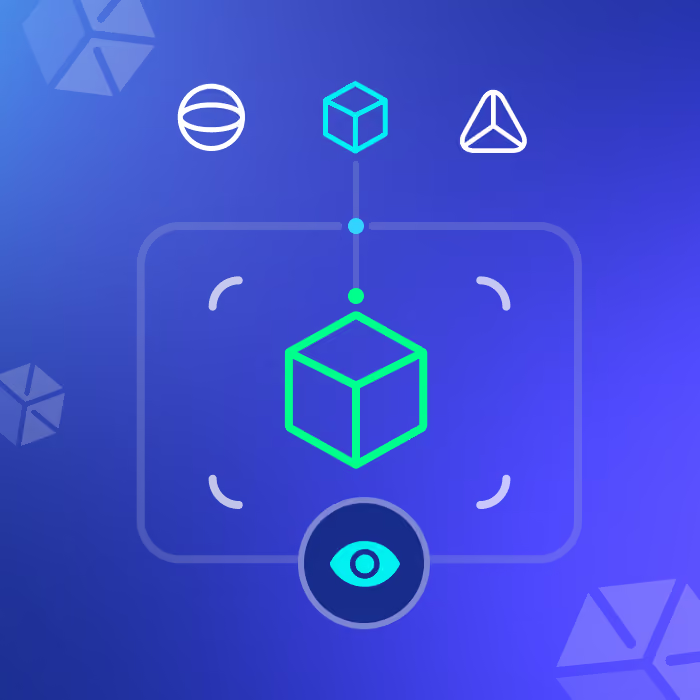
Generate accurate Cycles or EEVEE previews automatically, so you can recognize assets at a glance.
Keep Your Workflow Moving
Add new assets whenever inspiration strikes without breaking your flow and keep your Connecter library growing alongside your projects.