Connecter 8

Less Toggling

Reduce friction in creative workflows. That’s what version 8 is all about.

Abstract dark blue background with swirling, concentric curved lines forming a dynamic pattern.Abstract dark background with blue gradient light and translucent concentric circular lines.

Gaussian Splats Are In

Native visualization for PLY assets is now possible. Instantly inspect data from 3D scanners, photogrammetry, and computer graphics models inside Connecter without the overhead of opening a heavy DCC.

Abstract dark background with swirling blue and green light waves and thin white lines.Dark background with swirling blue and glowing green abstract light shapes.

The Evolution of Control

Introducing Asset Locking. It provides a simple way for users to visually indicate they’re working on an asset while ensuring a version is safely stored in the cloud. Available in both Version Control and Hybrid DAM.

Get Started with Connecter Suite

Meet The Integrations Hub

A centralized place to explore and manage all 7 integrations Connecter has to offer. Install or update the scripts and plugins for the DCCs you use without any hassle.
Revit
Maya
3ds Max
Unreal Engine
Rhino
Cinema 4D
Blender
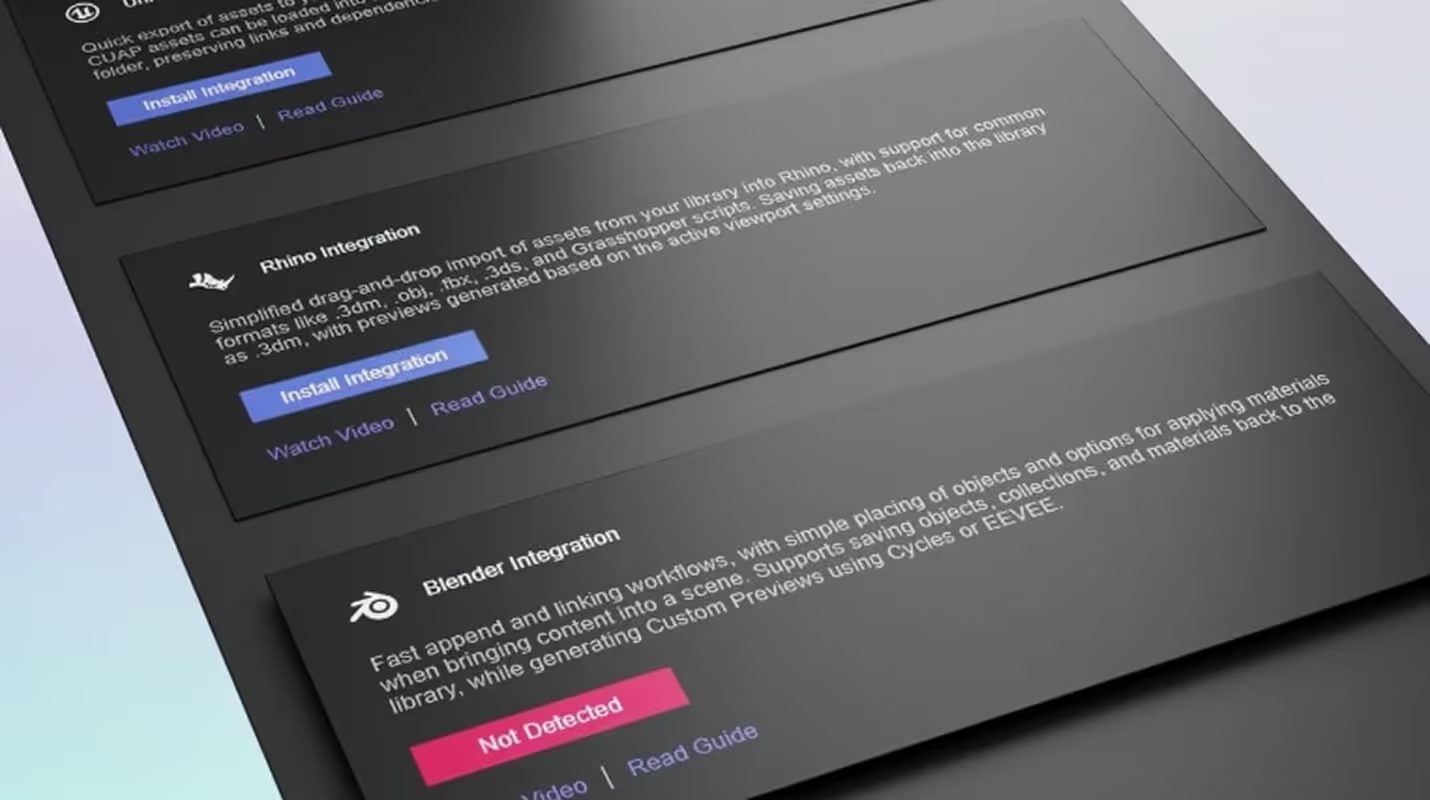
Software interface showing Rhino and Blender integration options with install and status buttons.

Big Improvements for 3ds Max Users

Built for creatives and teams who need to organize assets, collaborate faster, and keep production moving without the usual friction.
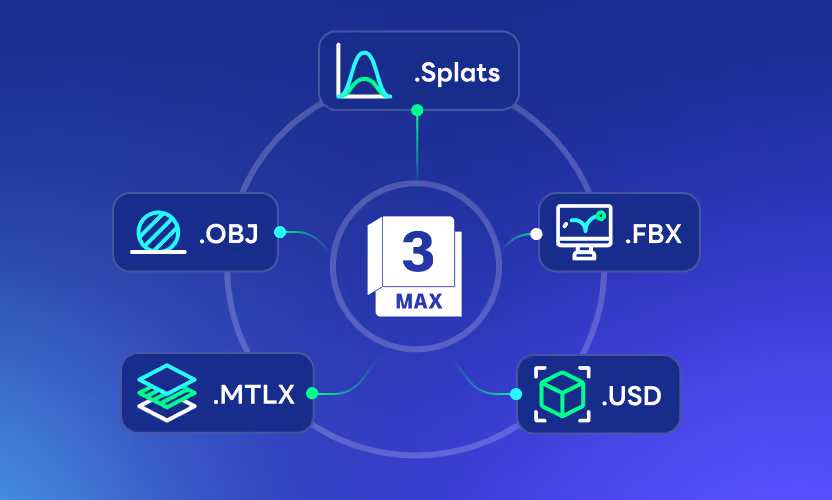
3DS Max icon in center surrounded by connected icons for formats .Splats, .OBJ, .FBX, .MTLX, and .USD.

Universal Merging

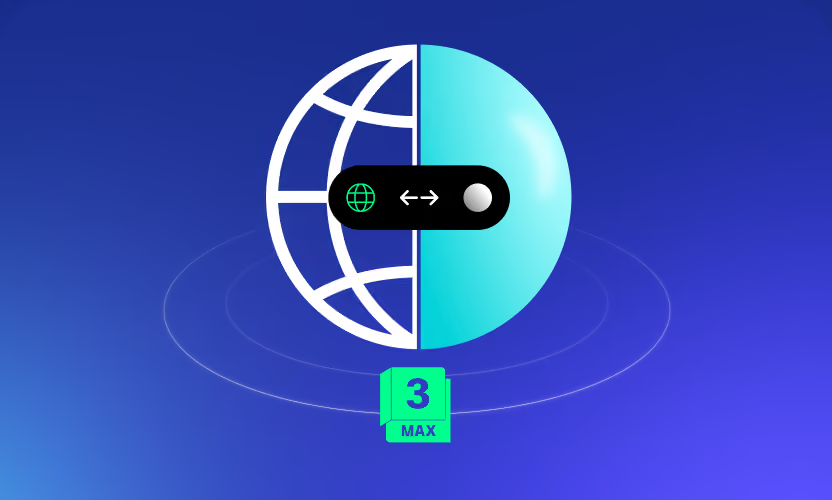
Experience the next-next-gen 3ds Max integration with support for over 40 non-native formats, such as USD, MTLX, and Gaussian Splats. Just enable the Smart Merge mode and enjoy the streamlined importing of all kinds of assets from your library.

Smart Merge

Graphic of half a globe and half a sphere with a toggle switch and a green label showing 3 max.

New Proxy Workflows

Completely reworked support for V-Ray and Corona proxies. Switch seamlessly between full assets and lightweight proxies, all directly inside 3ds Max, and let Connecter track the links between them.

Proxy Support

Soft gradient background blending white, blue, purple, and green colors.

Alternative to Drag & Drop

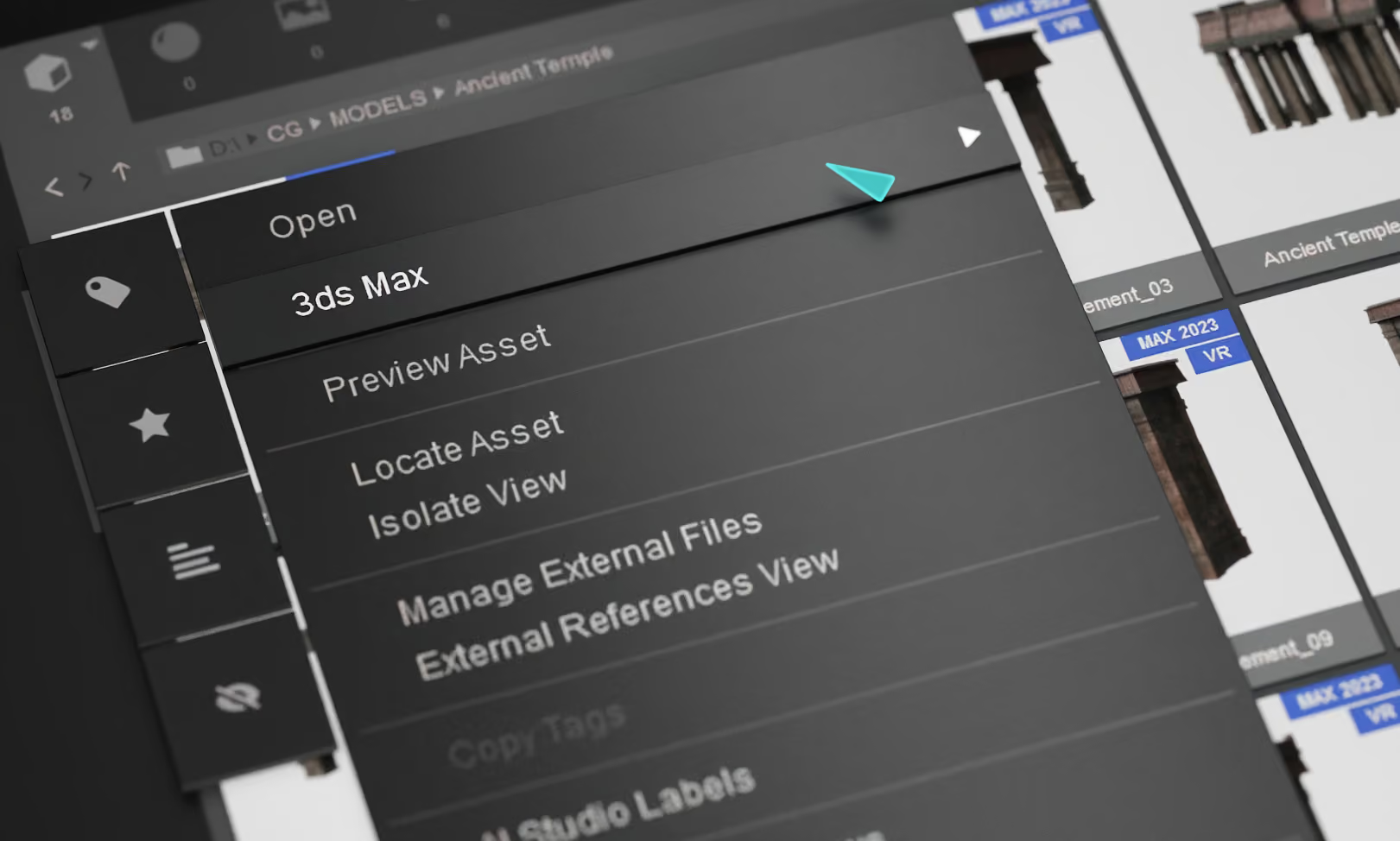
A new contextual menu provides a different way to merge assets in a 3ds Max scene. It’s a precise, high-speed method for populating scenes when traditional mouse travel isn't efficient.

 Context Menu Commands

Abstract blurred shapes glowing blue and green on a dark background.Abstract dark background with blurry green light on right and blue light on left side.